Sources of Information: Follow-Up Investigation
This module goes inside the investigative thinking process during the post-scene follow-up investigation. Sources of Information 2
CFITrainer.Net allows an instructor or training officer to present material from the Network’s self-paced programs (modules) in their classes. When activated, Instructor Mode allows the instructor to freely move about the program to show sections to students in class. The instructor can authorize class attendees who have their own FM Fire Service Learning Network logins to skip the requirement to view all sections of the module. The authorized class attendees can go straight to the Skills Challenge test to earn their certificate of completion for the program.
To use Instructor Mode, the instructor must first identify as an instructor in their User Profile, complete the desired module, and pass the Skills Challenge for that module. Then, an “Enable Instructor Mode button” will appear on the module’s Program Details page.
To learn more about Instructor Mode, please read the news article about it.
Consult the Instructor Mode Instructor Guide for instructions on how to activate and use instructor mode, as well as authorize class attendees to complete the module test.

This module goes inside the investigative thinking process during the post-scene follow-up investigation. Sources of Information 2
Please join us for a virtual session with our IAAI Health and Safety Committee Co-Chair Mike Brewer for a discussion about the health risks Fire Investigator’s face on every investigation and what we can do to minimize those risks. He will also discuss mental health and wellness and how to improve our resiliency to the challenges of the job and daily life.
This program provides a primer on accreditation, certification, and certificates for fire investigation training.
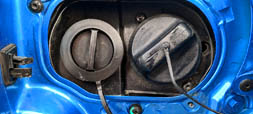
This module covers how CNG, LNG, LPG, and hydrogen fuel cell vehicles work and their implications for fire investigation.
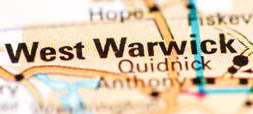
A fire occurred on the night of Feb. 20, 2003, in The Station nightclub at 211 Cowesett Avenue, West Warwick, Rhode Island.

This module introduces basic electrical concepts, including: terminology, atomic theory and electricity, Ohm’s Law, Joule’s Law, AC and DC power. Electrical Systems 1
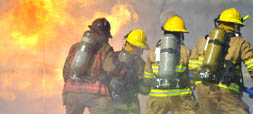
A fire occurred on the evening of June 18, 2007, in the Sofa Super Store in Charleston, SC that resulted in the deaths of nine fire fighters.
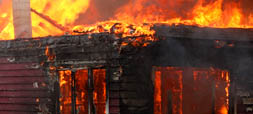
This module looks at the many ways fire investigators enter and grow in the profession through academia, the fire service, law enforcement, insurance, and engineering.
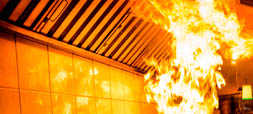
This module describes the design, construction, components, and operation of a commercial kitchen’s ventilation, fire suppression, and cooking fuel systems. Commercial Kitchen Fires 1
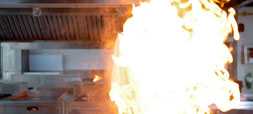
This module provides an investigative framework for commercial kitchen fires and discusses major commercial kitchen systems and activities as they relate to possible fire origin and cause. Commercial Kitchen Fires 2
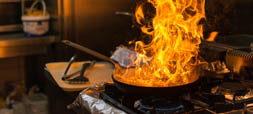
This module looks at four of the most commonly-reported accidental fire causes: cooking equipment, heating equipment, electrical distribution, and smoking materials.
This program brings three highly experienced fire investigators and an attorney with experience as a prosecutor and civil litigator together for a round table discussion.

This module introduces the elements of a deposition, discusses typical lines of questioning, and describes how to prepare for a deposition. Depositions 1
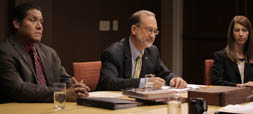
This module proposes effective ways to respond to the most common questioning tactics employed by opposing counsel in a deposition. Depositions 2
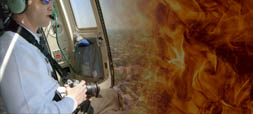
The program discusses the basics of digital photography for fire investigators as well as software and editing procedures for digital images intended as evidence.
This self-paced program is an introduction to discovery in civil proceedings such as fire loss claims and product defect lawsuits.
This self-paced program is an introduction to discovery in criminal proceedings.
This module covers the foundation of DNA evidence: defining, recognizing, collecting, and testing.
This program provides a practical overview of how to perform the baseline documentation tasks that occur at every scene.
This module will discuss the techniques and strategies for conducting a proper science-based fire scene investigation and effectively presenting an investigator’s findings in court as an expert witness.
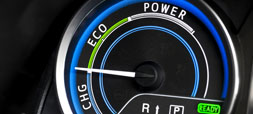
This program explains the basic principles of how electric and hybrid vehicles are designed and work, including major systems and typical components. Electric & Hybrid Vehicles 1
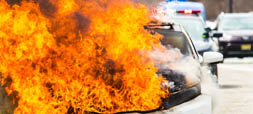
This program discusses common failure modes, evidence handling procedures, and safety protocols for electric and hybrid vehicles. Electric & Hybrid Vehicles 2
This module presents critical electrical safety practices that every fire investigator should implement at every scene, every time. Electrical Systems 2
In this program, we will look at emerging technologies that fire investigators are integrating into their daily investigative work with great success.

This self-paced program examines the fire investigator's ethical duties beyond the fire scene.

This module discusses the intersection of social media, ethics, and the relationship of what’s legal to what’s ethical in decision-making.

Should you work for a private lab as a consultant if you are on an Arson Task Force? How about accepting discounts from the local hardware store as a “thanks” for a job well done on a fire they had last year?
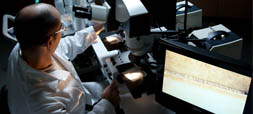
This module takes investigators into the forensic laboratory and shows them what happens to the different types of fire scene evidence that are typically submitted for testing.
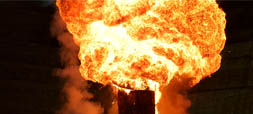
This module teaches the foundational knowledge of explosion dynamics, which is a necessary precursor to investigating an explosion scene.
This module provides a thorough understanding of the ways an investigation changes when a fire-related death occurs. Fatal Fires 1
This module is a foundational introduction to how fire affects and damages the human body. Fatal Fires 2
This module discusses investigative tasks specific to fatal fires, including properly recovering and moving a body and interpreting fire effects on the body within the context of the fire scene. Fatal Fires 3
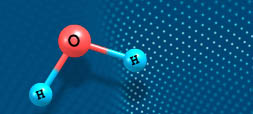
This module addresses the foundations of fire chemistry and places it within the context of fire scene investigations.
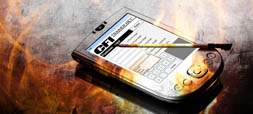
The program is designed to introduce a new Palm/Pocket PC application called CFI Calculator to users and provide examples of how it can be used by fire investigators in the field.
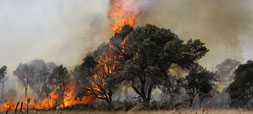
This module discusses foundational wildfire terminology, factors that influence wildfire behavior, how these factors interact to produce fire effects, and new research into wildfire dynamics. Wildfires 1
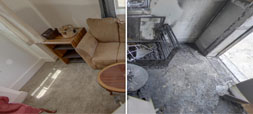
Learn about the mass loss and deformation effects of heat on fuels, including definition, formation explanation, the fire scene context, and implications for fire pattern analysis. Fire Effects 1
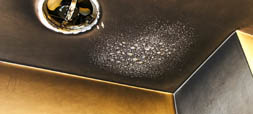
Learn how combustion by-products that cause discoloration and smoke deposition on surfaces and the implications for fire pattern analysis. Fire Effects 2
This module explains fire flow path and discusses the effects of ventilation, fuel availability, and the modern fire environment on that flow path.

This module provides a road map for fire officers to integrate and navigate their fire investigation duty with all their other responsibilities and describes where to obtain specific training in fire investigation.
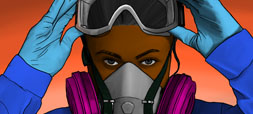
The evaluation of hazards and the assessment of the relative risks associated with the investigation of fires and explosions are critical factors in the management of any investigation. PPE 1

This module will describe the most commonly encountered fire protection systems.
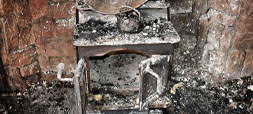
This module covers fireplace systems layout and components, identification in the field, and common fire causes involving fireplace systems.

This module presents best practices in preparing for and conducting the informational interview with witnesses in the fire investigation case.
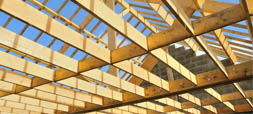
This module provides instruction on the fundamentals of residential building construction with an eye toward how building construction affects fire development.
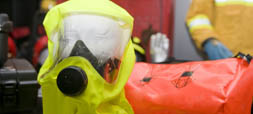
This module provides introductory information on the Hazardous Waste Operations and Emergency Response (HAZWOPER) standard – 29 CFR 1910.120.
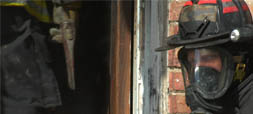
This module teaches first responders, including fire, police and EMS, how to make critical observations.
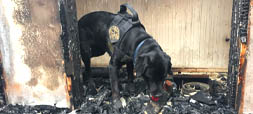
This module helps the investigator understand how IGL canine teams are trained and worked so investigators can work in partnership with the handler to conduct searches successfully and safely.
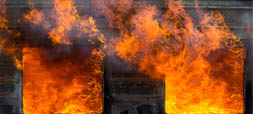
The program examines the importance of assessing the impact of ventilation on a fire.

This program discusses how to access insurance information, understand insurance documents, ask key questions of witnesses, and apply the information learned.
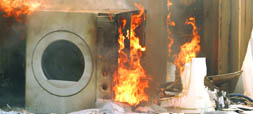
This module offers a basic introduction about how some selected major appliances operate.
This program introduces the fire investigator to the issues related to the collection, handling and use of evidence related to a fire investigation. Evidence 1
This program takes you inside the National Institute of Standards and Technology (NIST) archives of some of the most interesting and instructive test burns and fire model simulations they have ever conducted.

This program describes the scope of the youth-set fire problem, how fire investigation addresses it, and the fire investigator’s responsibilities in a youth-set fire case. Youth-Set Fires 1
This self-paced program will help you understand what to expect at a fire where an LODD has occurred, what your role is, how to interact with others, and how to handle special circumstances at the scene.

This module discusses the juvenile justice system, legalities of interviews and interrogations, arson statutes, search and seizure, and confidentiality. Youth-Set Fires 2
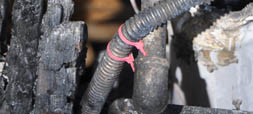
This module details the fundamentals of lightning, how it is detected, and how it contacts buildings and wildland fuels. Lightning 1
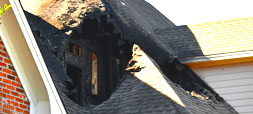
This module details the major elements to consider when evaluating lightning as a fire cause in a structure. Lightning 2
This program explains what lithium-ion batteries are, how they are constructed, where they are used, safety concerns, and how they can cause fires and explosions.

This program discusses the latest developments in expert testimony under the Daubert standard, including the MagneTek case decided in the United States Circuit Court of Appeals.
This module focuses on how to manage investigations that have “complicating” factors.
This module uses the Motive, Means, and Opportunity case study to demonstrate how responsibility is determined in an arson case.
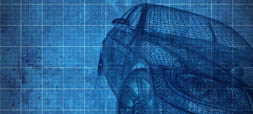
This program covers the general anatomy of a motor vehicle and a description of typical components of the engine, electrical, ignition, and fuel systems. Motor Vehicles 1
This program describes the function and major components of a motor vehicle’s transmission, exhaust, brake, and accessory systems. Motor Vehicles 2
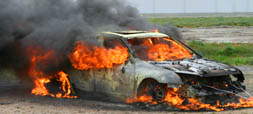
This program will introduce the fire investigator to the basic methodologies use to investigate vehicle fires. Motor Vehicles 3
This module discusses the highlights of important changes in these new editions and their implications for fire investigation.
This module covers NFPA 1033’s importance, its requirements, and how those requirements impact a fire investigator’s professional development.
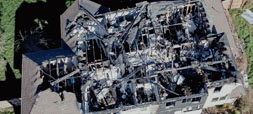
This module goes inside the hypothesis development and testing process for fire and explosion origin and cause. Origin & Cause Hypothesis Testing 1
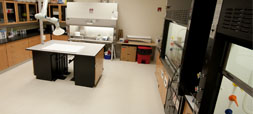
This module explains the different types of physical testing, modeling, and scientific research available for hypothesis testing. Origin & Cause Hypothesis Testing 2
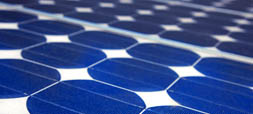
This module discusses how photovoltaic systems work, how they are designed and installed, and how to safely interact with them when investigating a fire scene.
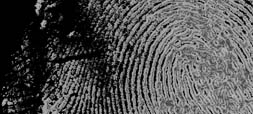
The program illustrates for the fire investigator, how non-traditional fire scene evidence can be helpful during an investigation. Evidence 2
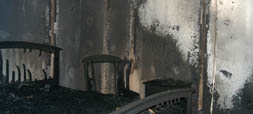
This module describes ventilation-controlled fire flow and interpretation of postflashover fire damage patterns.
This module demonstrates the investigative potential of information stored on electronic devices.
This module explains the relationship between NFPA 1033 and NFPA 921.
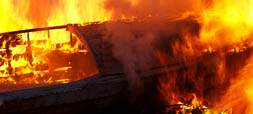
This module lays the groundwork for understanding marine fires by covering four basic concepts that the investigator must understand before investigating a marine fire.
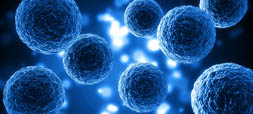
In this module, you will learn more about how cancer develops, what occupational exposure risks to carcinogens exist at fire scenes, and how to better protect yourself against those exposures.
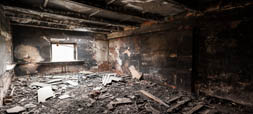
The use of the process of elimination in the determination of a fire cause is a topic that has generated significant discussion and controversy in the fire investigation profession.
Part 1 of a documentary telling the story of the fire investigation of a quadruple-fatality residential fire and the criminal prosecution that followed. Casby Case Study 1

Part 2 of a documentary telling the story of the fire investigation of a quadruple-fatality residential fire and the criminal prosecution that followed. Casby Case Study 2
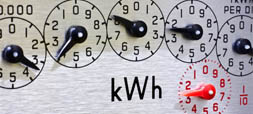
This module teaches the basics of the electrical power generation, distribution, and transmission system. Electrical Systems 3
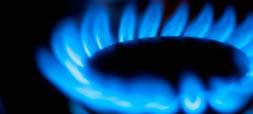
This module presents the basics of natural gas and its uses and system components in a residence. Natural Gas 1
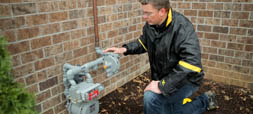
This module discusses investigating a fire when natural gas is present, including natural gas as an ignition and fire spread source, documentation, and system testing. Natural Gas 2

The basics of the scientific method are deceptively simple: observe, hypothesize, test, and conclude.
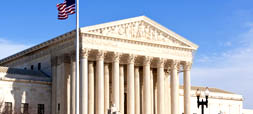
This module explains the principles of search and seizure under the Fourth Amendment, as contained in the amendment and according to subsequent case law and applies them to typical fire scene scenarios.
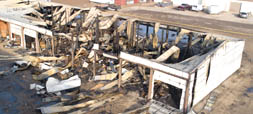
This module describes how to conduct a site safety assessment, identify potential hazards, craft a plan to mitigate risks, and act so you do not bring the hazards home. PPE 2
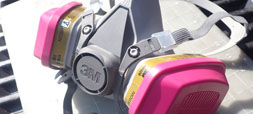
This module is “PPE 101” for all personnel who operate at post-fire scenes. PPE 3
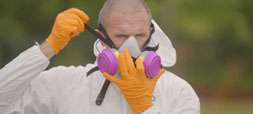
Guidance on selecting, donning, and doffing PPE for post-fire scenes, focusing on respiratory protection. PPE 4
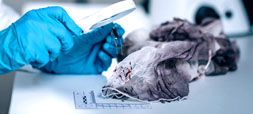
This module maps out the organic process for how the investigator identifies information needed during an origin and cause examination and obtains that information. Sources of Information 1
This module addresses the foundations of thermometry, including the definition of temperature, the scales used to measure temperature and much more.

This program presents the results of flame experiments conducted with a candle.
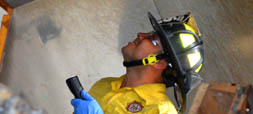
This self-paced program explains to non-investigators the role of the fire investigator, what the fire investigator does, how the fire investigator is trained, what qualifications the fire investigator must meet.
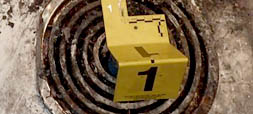
This program untangles the meanings of “undetermined,” explains its correct usage, and describes how to properly report “undetermined” fire cause and classification.
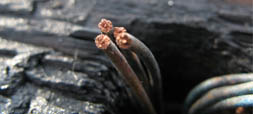
Arc Mapping, or Arc Fault Circuit Analysis, uses the electrical system to help reconstruct a scene, providing investigators with a means of determining the area of a fire’s origin. Electrical Systems 4
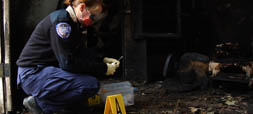
This module will advise fire investigators on how to approach the fact-finding procedures necessary and validate a hypothesis.
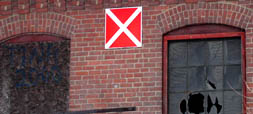
This module provides an overview on how structures can become vacant and eventually abandoned.
This self-paced program provides a basic framework for structuring the management of fire cases and fire investigators.
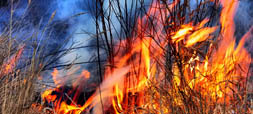
This module illustrates how wildland fires spread, explains how to interpret burn patterns unique to these types of fires. Wildfires 2

This module presents the key elements of the initial origin and cause report and methods of clearly presenting findings in a professional manner.